
Built for screenshot-heavy libraries
Focus on one cleanup job instead of scrolling endlessly through your entire camera roll looking for throwaway captures.
Screenshot Zero helps you find and delete unwanted screenshots from your photo library. Scans run locally on your device, deletions stay in your hands, and nothing is uploaded, stored, or shared.
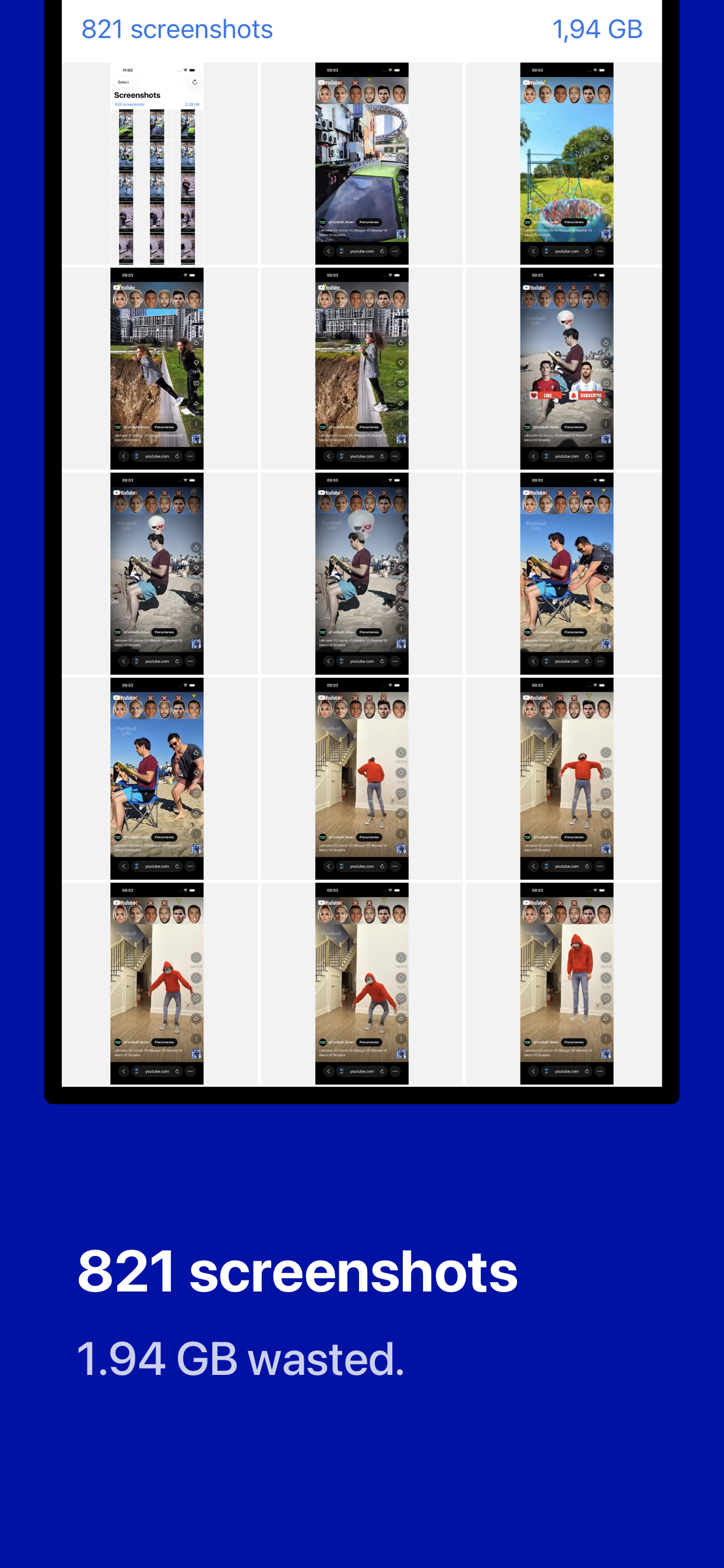
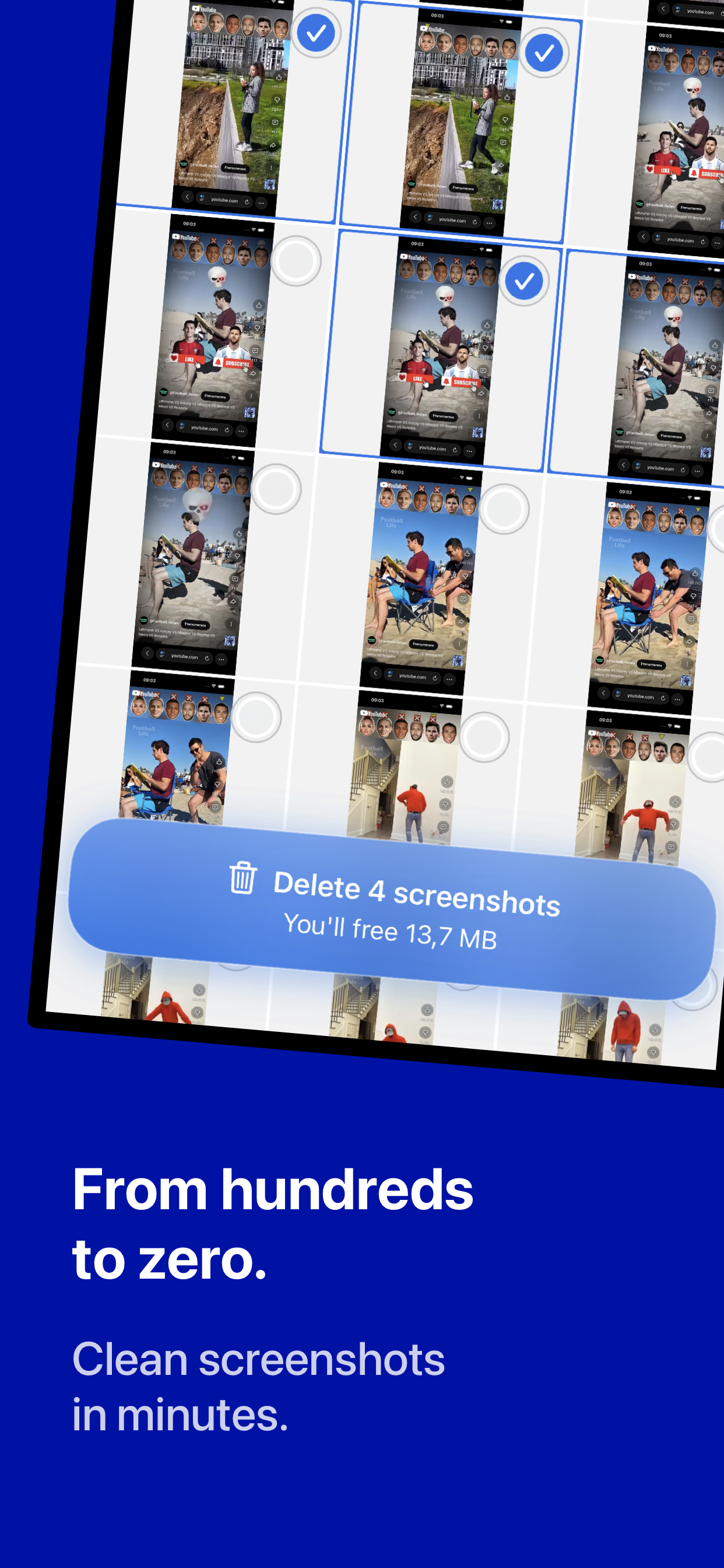
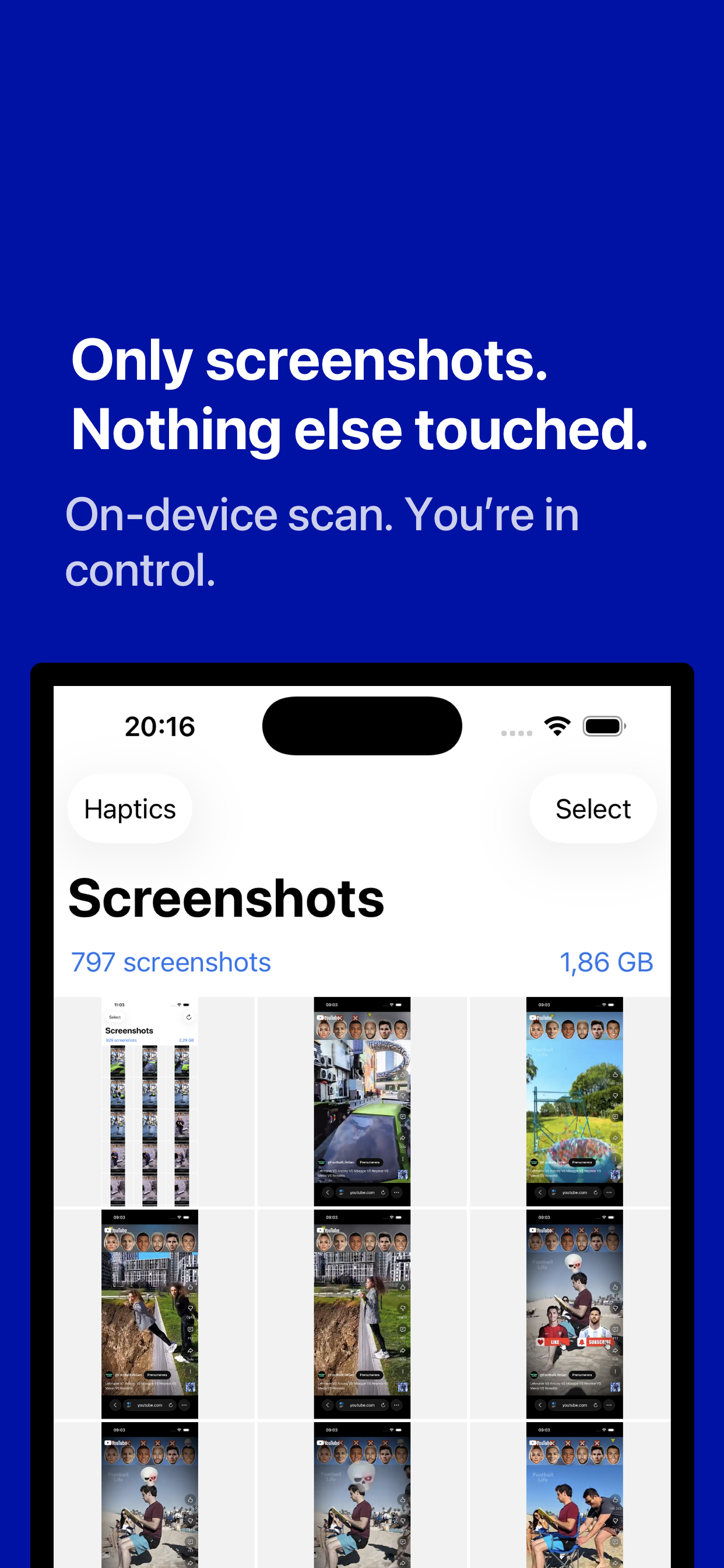
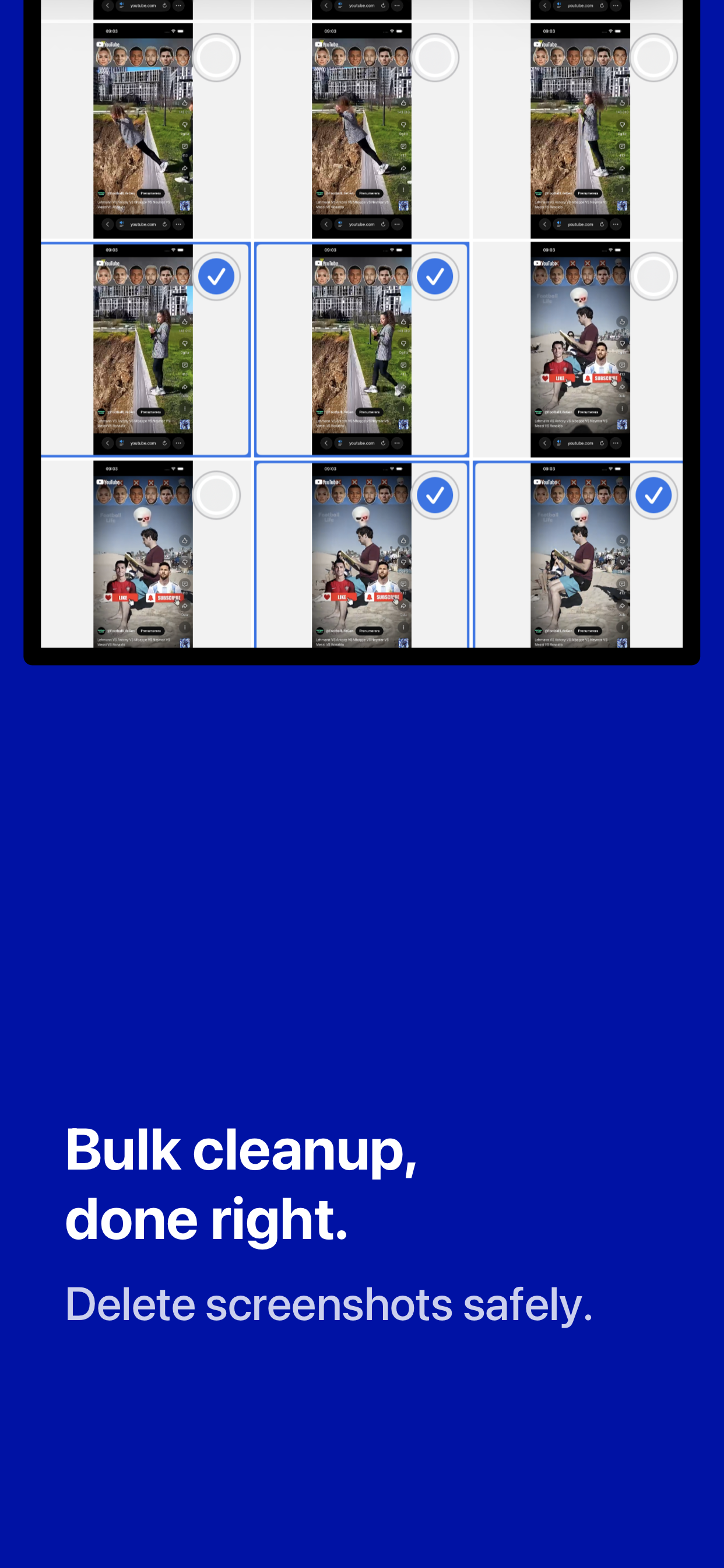
The product page now shows the actual in-app experience. Instead of a vague promise, you can see the dedicated review screens, selection states, and the overall cleanup flow before you download.
Focus on one cleanup job instead of scrolling endlessly through your entire camera roll looking for throwaway captures.
You can inspect candidates, keep what matters, and remove the rest in deliberate batches rather than one file at a time.
Scanning and decisions stay on your device, so the cleanup process remains local from start to finish.
These screenshots show the app UI directly, so visitors can assess the workflow, visual polish, and review process before installing.
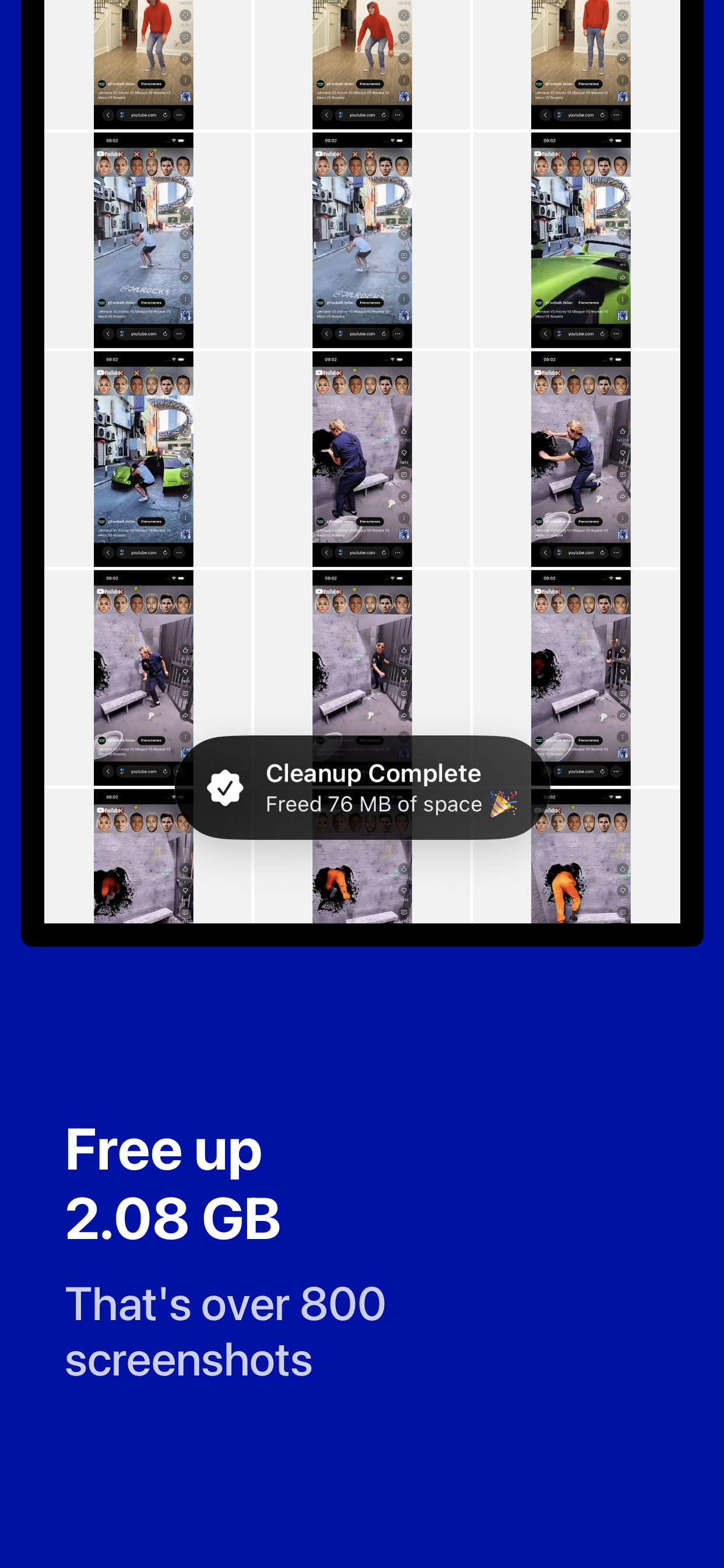
The workflow is intentionally simple: find screenshots, review the results, and only then confirm removal.
The app checks your photo library locally and pulls likely screenshots into a dedicated cleanup view.
Browse through the detected screenshots, verify the selections, and keep anything you still need.
Confirm the cleanup when you are ready and reclaim a photo library that is easier to search and maintain.
No screenshots, metadata, or personal data ever leave your device. Read the dedicated privacy policy for the full statement.